
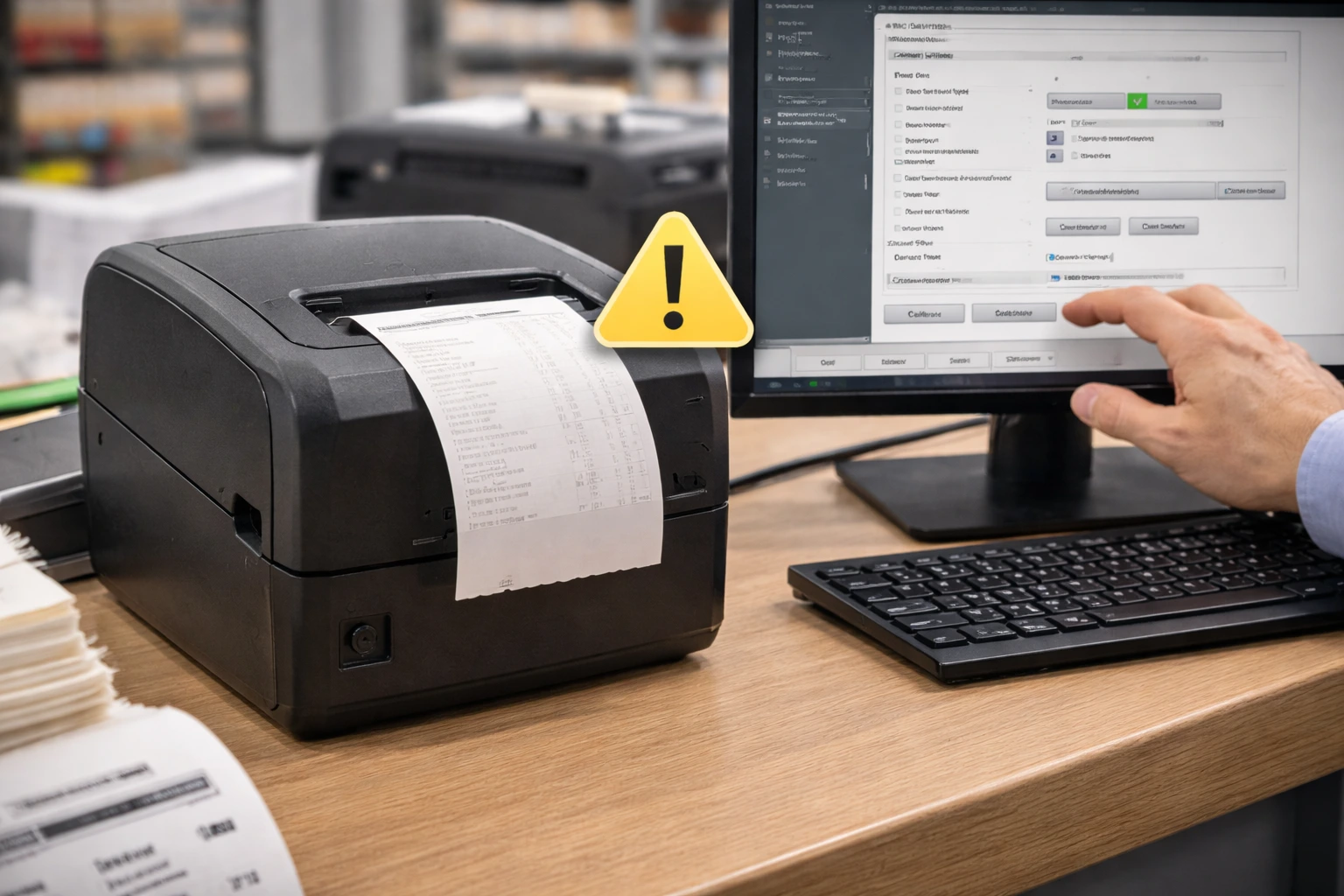
Receipt printers are essential for retail stores, supermarkets, restaurants, and POS systems. However, issues such as faded prints, paper jams, connection problems, or printer not responding can disrupt daily operations.
This guide explains common receipt printer problems and how to fix them quickly to ensure smooth billing and transaction processes.
Choosing reliable receipt printers reduces frequent printing and connectivity issues.
Receipt Printer Not Printing
Possible Causes
- Printer not connected properly
- Paper roll installed incorrectly
- Printer not set as default
How to Fix
- Check USB or LAN connection
- Reinstall the paper roll properly
- Set the receipt printer as default printer
Receipt Printer Printing Blank Receipts
Possible Causes
- Thermal paper inserted incorrectly
- Faded thermal paper
- Print head issue
How to Fix
- Reinsert the paper correctly (thermal side facing print head)
- Replace old paper roll
- Clean the print head
Receipt Printer Paper Jam
Possible Causes
- Low-quality paper
- Incorrect paper alignment
- Dirt inside paper path
How to Fix
- Remove jammed paper carefully
- Use high-quality thermal paper
- Clean paper path regularly
Receipt Printer Printing Faded Text
Possible Causes
- Low print density
- Dirty print head
- Low-quality paper
How to Fix
- Increase print darkness
- Clean the print head
- Replace paper roll
Receipt Printer Not Connecting to POS System
Possible Causes
- Incorrect driver installation
- Wrong port settings
- Network configuration issue
How to Fix
- Reinstall printer driver
- Check port configuration
- Restart POS system and printer
Receipt Printer Cutting Paper Improperly
Possible Causes
- Cutter jam
- Worn-out cutter blade
- Paper thickness issue
How to Fix
- Clean cutter mechanism
- Replace worn blade
- Use recommended paper thickness
How to Prevent Receipt Printer Issues
- Use quality thermal paper
- Clean print head regularly
- Avoid power interruptions
- Service printer periodically
Maintaining proper printing settings improves both receipt printing and barcode printing quality.
FAQs – Receipt Printer Problems
Q1. Why is my receipt printer not printing?
Ans – Connection issues, incorrect paper loading, or driver problems usually cause this issue.
Q2. Why does my receipt printer print blank receipts?
Ans – Incorrect thermal paper placement or faded paper often causes blank prints.
Q3. How do I fix faded receipt printing?
Ans – Increase print density, clean the print head, or replace the paper roll.
Q4. Why is my receipt printer not connecting to POS?
Ans – Incorrect driver installation or port configuration commonly causes this problem.
Q5. How do I clear a receipt printer paper jam?
Ans – Turn off the printer, remove jammed paper gently, and clean the paper path.
Conclusion
Most receipt printer problems are caused by paper quality, configuration errors, or poor maintenance. Identifying the root cause and applying quick fixes ensures smooth billing operations and better customer service.
SMB Infotech supplies and supports high-performance receipt printers for retail, POS, and hospitality businesses.
