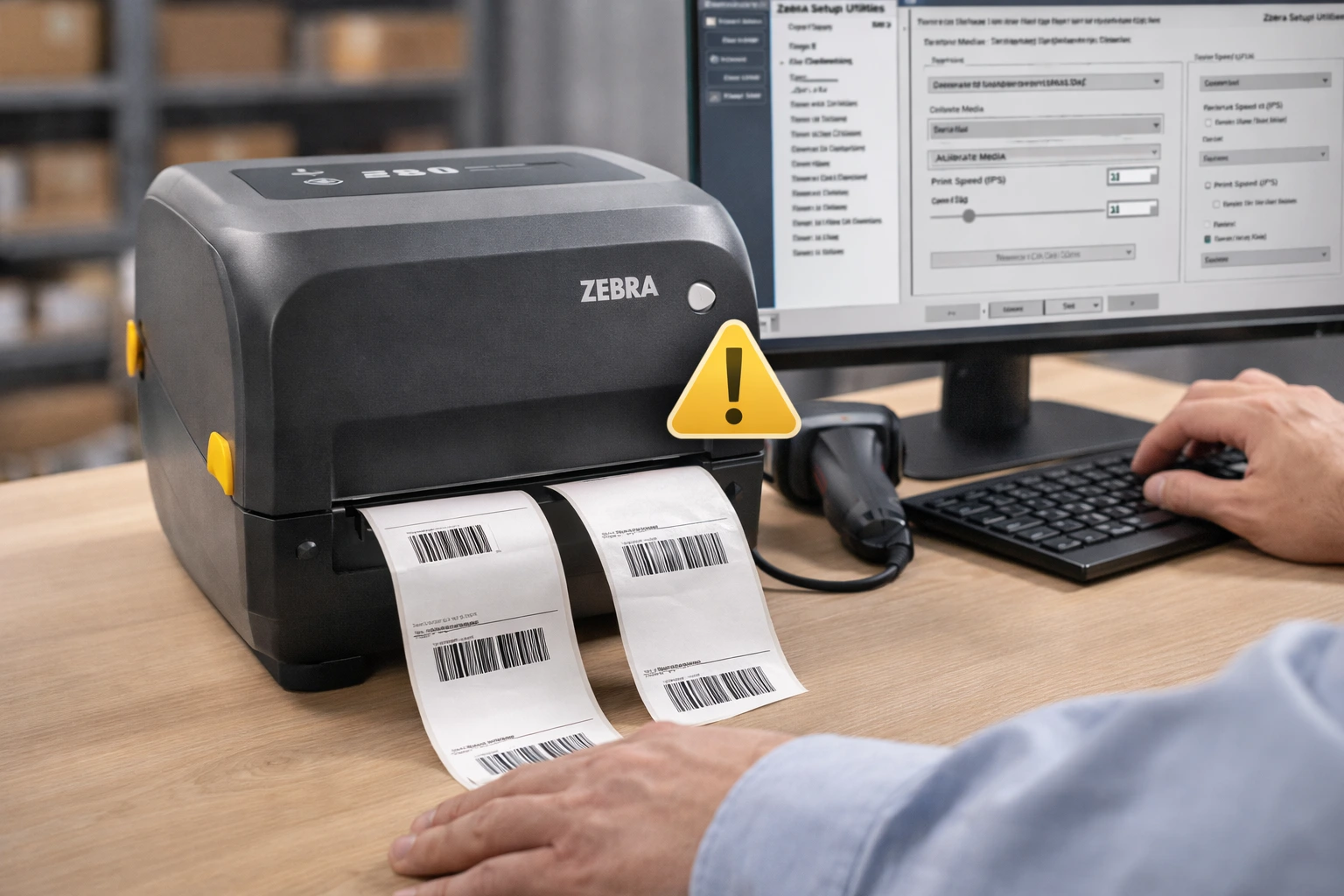
Zebra printers are known for reliability, but improper settings, label issues, or connectivity problems can still cause printing errors. Most Zebra printer issues are easy to fix once you identify the root cause.
This guide covers common Zebra printer problems and how to fix them to restore smooth barcode and label printing.
Many printing issues occur due to incorrect setup, so it is important to correctly set up a Zebra printer before troubleshooting.
Zebra Printer Not Printing Labels
Possible Causes
- Printer not set as default
- Loose USB or network connection
- Incorrect driver installation
How to Fix
- Set the Zebra printer as the default printer
- Reconnect the USB or LAN cable
- Restart the printer and computer
Zebra Printer Printing Blank Labels
Possible Causes
- Incorrect ribbon installation
- Wrong media type selected
- Print darkness set too low
How to Fix
- Reinstall the ribbon correctly
- Select the correct media type
- Increase print darkness in printer settings
Zebra Printer Labels Not Aligning Properly
Possible Causes
- Printer not calibrated
- Incorrect label size configuration
How to Fix
- Perform a printer calibration
- Update label size settings in printer preferences
Zebra Printer Printing Only One Label
Possible Causes
- Incorrect print mode
- Calibration issues
How to Fix
- Change the print mode to continuous or tear-off
- Calibrate the printer again
Zebra Printer Not Detected by Computer
Possible Causes
- Driver issues
- Faulty USB or network port
How to Fix
- Reinstall the Zebra printer driver
- Try a different USB port or cable
Zebra Printer Print Quality Is Poor
Possible Causes
- Dirty printhead
- Low print darkness
- Poor-quality labels
How to Fix
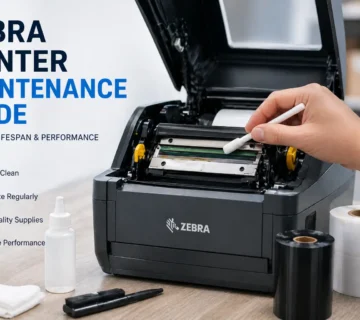
- Clean the printhead properly
- Increase print darkness
- Use high-quality barcode labels
How to Prevent Zebra Printer Problems
- Use correct labels and ribbons
- Keep printer clean and dust-free
- Calibrate printer after label changes
- Avoid frequent power interruptions
FAQs – Zebra Printer Problems
Q1. Why is my Zebra printer not printing?
Ans – Connection issues, incorrect drivers, or printer settings often cause this problem.
Q2. Why does my Zebra printer print blank labels?
Ans – Incorrect ribbon installation or low print darkness usually causes blank labels.
Q3. How do I fix Zebra printer label alignment issues?
Ans – Calibrate the printer and verify label size settings.
Q4. Why does my Zebra printer print only one label?
Ans – Incorrect print mode or calibration issues cause this problem.
Q5. How do I improve Zebra printer print quality?
Ans – Clean the printhead, increase print darkness, and use good-quality labels.
Conclusion
Most Zebra printer issues occur due to incorrect settings, calibration problems, or poor label quality. Identifying the problem early and applying the right fix helps avoid downtime and label wastage.
SMB Infotech provides professional troubleshooting, maintenance, and technical support for Zebra printers in UAE, helping businesses resolve printer issues quickly.