Zebra printers are widely used in retail, logistics, and warehouse operations for reliable barcode and label printing. To maintain consistent performance and avoid downtime, regular maintenance is essential.
This guide explains how to properly maintain your Zebra printer to improve print quality, increase lifespan, and prevent common issues.
Why Zebra Printer Maintenance Is Important
Regular maintenance helps:
- Improve print clarity
- Prevent printing errors
- Extend printer lifespan
- Reduce downtime
- Ensure smooth operations
Proper care ensures long-term reliability in demanding environments.
Clean the Print Head Regularly
The print head directly affects print quality.
Why It Matters
Dust and residue reduce clarity and barcode readability.
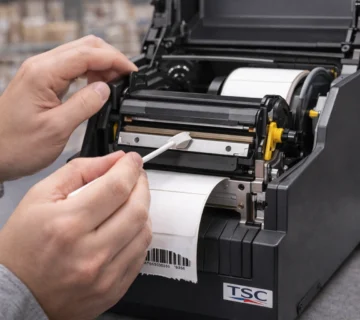
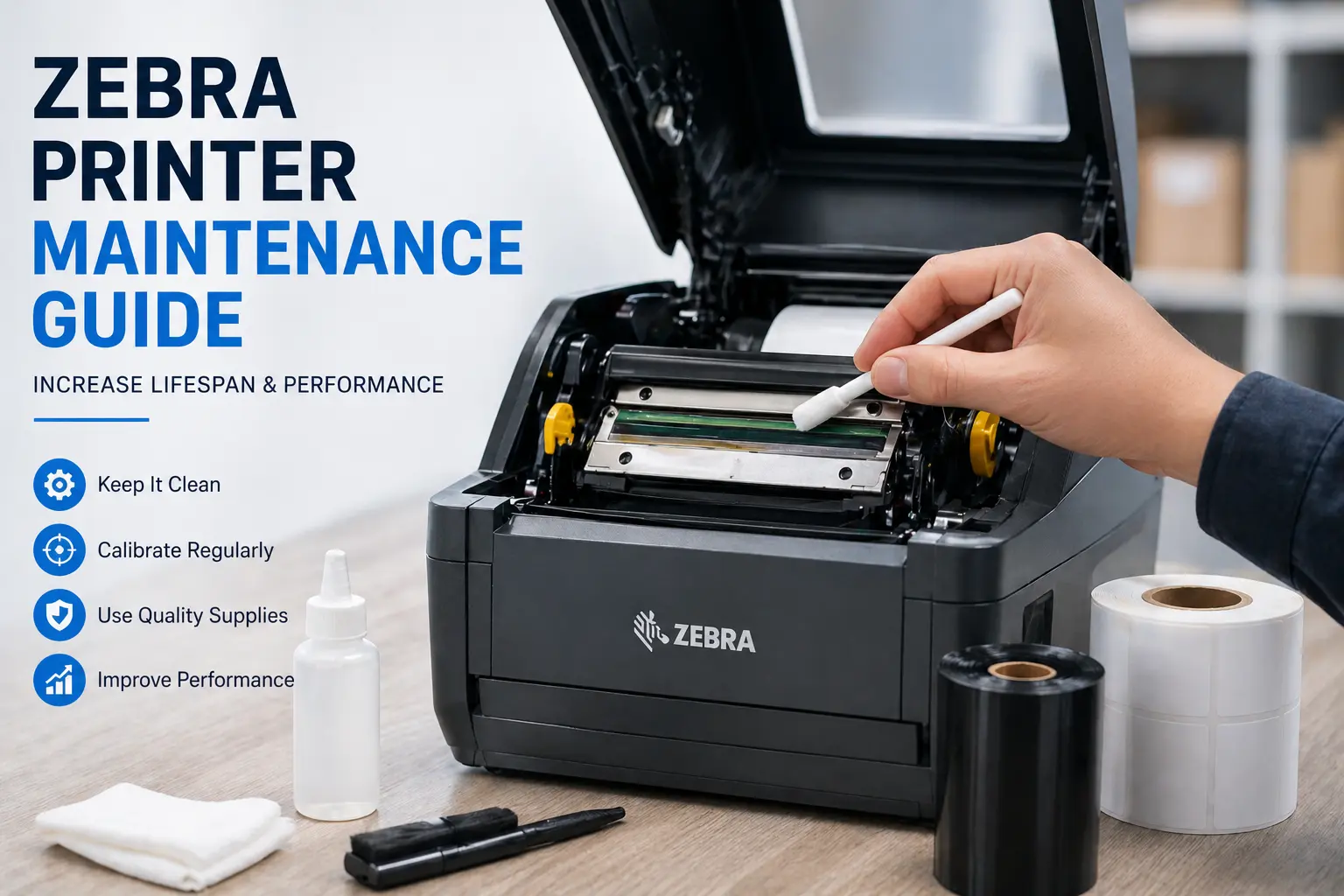
How to Clean
- Turn off the printer
- Use a cleaning pen or alcohol wipe
- Gently clean the print head
- Allow it to dry before use
Use High-Quality Labels and Ribbons
Low-quality materials can damage the printer and reduce output quality.
Best Practices
- Use compatible labels
- Avoid poor adhesive materials
- Select correct ribbon type
Using proper barcode printing techniques ensures better print quality and scanning accuracy.
Perform Regular Calibration
Calibration ensures proper label alignment.
When to Calibrate
- After changing labels
- After replacing ribbon
- When labels are misaligned
How to Calibrate
- Use printer settings
- Run auto calibration
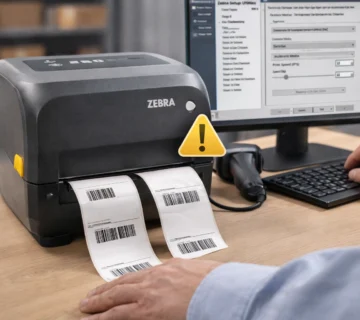
Check Printer Settings
Incorrect settings can affect performance.
What to Check
- Label size
- Print density
- Print speed
Correct configuration improves output quality.
Keep Printer Clean
Dust and debris can affect internal components.
Maintenance Tips
- Clean rollers regularly
- Remove adhesive residue
- Keep printer in clean environment
Update Drivers and Firmware
Outdated drivers cause performance and connectivity issues.
Installing the correct Zebra printer driver ensures smooth operation and avoids communication errors.
Avoid Overheating
Continuous printing without breaks can reduce lifespan.
Tips
- Allow cooling intervals
- Avoid excessive workload
Common Signs Your Zebra Printer Needs Maintenance
- Faded labels
- Misaligned printing
- Blank labels
- Slow printing
- Frequent errors
These signs indicate immediate maintenance is required. If issues persist, check common Zebra printer errors and their solutions.
Conclusion
Regular maintenance of your Zebra printer ensures better performance, improved print quality, and longer lifespan. Following proper cleaning and calibration practices helps avoid common issues and ensures smooth operations.
SMB Infotech provides expert support and solutions for Zebra printers in UAE, helping businesses maintain reliable printing systems.
FAQs – Zebra Printer Maintenance
Q1. How often should I maintain my Zebra printer?
Maintenance should be done regularly based on usage, typically every few weeks.
Q2. Why is my Zebra printer printing faded labels?
This is usually due to a dirty print head or incorrect settings.
Q3. Does calibration improve print quality?
Yes, calibration ensures proper label alignment.
Q4. Can maintenance reduce printer errors?
Yes, regular maintenance helps prevent common errors.
Q5. What is the most important maintenance step?
Cleaning the print head is the most important step.