Barcode scanners are essential for retail stores, warehouses, logistics companies, and inventory management systems. However, scanning errors, connectivity problems, and configuration issues can interrupt daily operations.
This guide explains common barcode scanner problems and how to fix them quickly to restore smooth scanning performance.
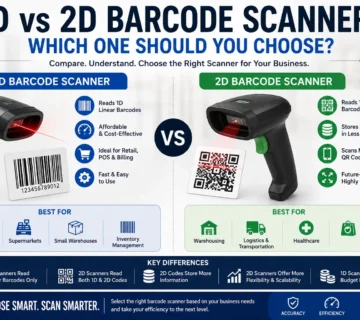
Using the right device helps prevent frequent issues, so it is important to choose a barcode scanner that matches your business needs.
Barcode Scanner Not Scanning
Possible Causes
Dirty scanner lens
Low battery (for wireless scanners)
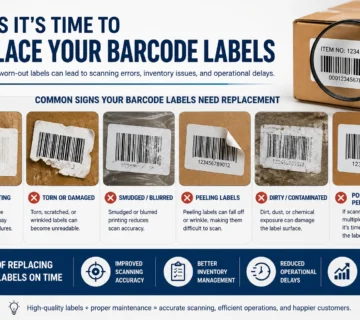
Damaged barcode label
How to Fix
Clean the scanner lens with a soft cloth
Recharge or replace the battery
Check if the barcode is clear and undamaged
Barcode Scanner Not Connecting to Computer
Possible Causes
USB cable loose or faulty
Bluetooth pairing issue
Incorrect driver installation
How to Fix
Reconnect or replace the USB cable
Re-pair the Bluetooth scanner
Reinstall scanner drivers
Barcode Scanner Scans but No Data Appears
Possible Causes
Incorrect keyboard layout settings
Software not active
Scanner in wrong mode
How to Fix
Check language and keyboard settings
Ensure POS or inventory software is open
Reset scanner to factory settings if needed
Barcode Scanner Beeping but Not Reading Codes
Possible Causes
Low barcode contrast
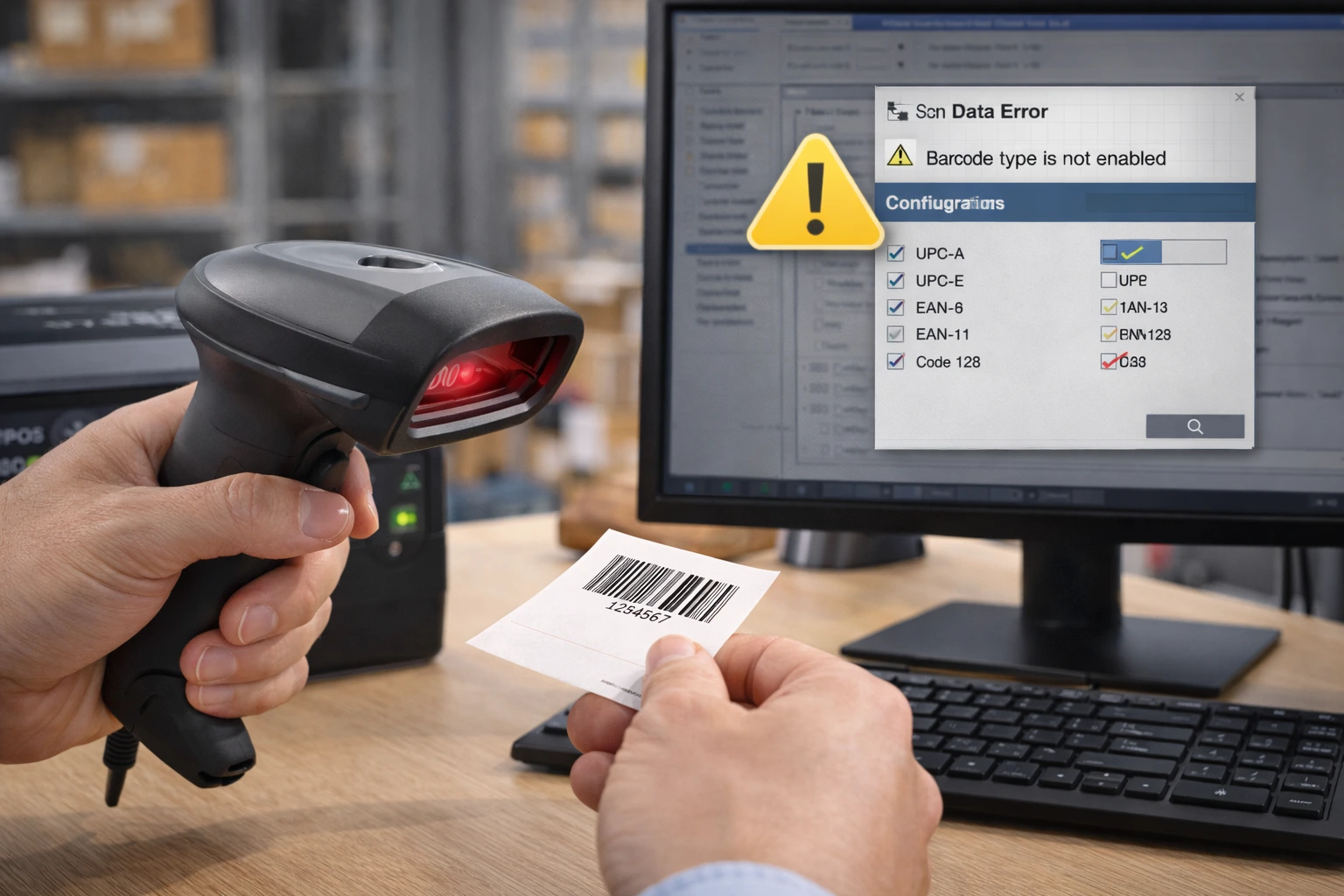
Wrong barcode symbology enabled
Scanner configured incorrectly
How to Fix
Increase barcode print quality
Enable correct barcode format in scanner settings
Reset scanner configuration
Barcode Scanner Working Slowly
Possible Causes
Outdated firmware
Poor barcode print quality
Weak wireless signal
How to Fix
Update firmware
Improve barcode print clarity
Move scanner closer to receiver
How to Prevent Barcode Scanner Problems
Keep scanner lens clean
Avoid dropping the device
Use high-quality barcode labels
Keep firmware updated
Store wireless scanners properly
FAQs – Barcode Scanner Issues
Q1. Why is my barcode scanner not scanning?
Ans – Dirty lens, low battery, or damaged barcodes commonly cause this issue.
Q2. Why does my barcode scanner connect but not scan?
Ans – Incorrect configuration or disabled barcode formats often cause this problem.
Q3. How do I reset a barcode scanner?
Ans – Most scanners allow factory reset through a configuration barcode provided in the manual.
Q4. Why does my barcode scanner beep but not read?
Ans – Low barcode quality or wrong scanner settings usually cause this issue.
Q5. How do I fix barcode scanner connection problems?
Ans – Reconnect the USB cable, re-pair Bluetooth, or reinstall the driver.
Conclusion
Most barcode scanner problems occur due to configuration errors, connectivity issues, or poor barcode quality. Identifying the root cause and applying the correct fix ensures smooth scanning operations.
SMB Infotech provides professional support and supply services for barcode scanners, helping businesses maintain reliable scanning systems.